AI Business Command Centers

Your entire business. One command center. AI doing the work.

See every lead, job, ad dollar and AI action in one place, approve what matters from your phone, and watch the business get a little better every day. We design and build each command center around how your business actually runs.

Three sample dashboards below, with fictional data. Every button works; nothing touches a real system.

The concept

Not a reporting template. The control room for an AI-operated business.

Most dashboards tell you what happened last month. A command center tells you what's happening now, what AI already did about it, and what needs your decision. It connects your ad accounts, phones, website, field-service or accounting software and email into one view, then puts the AI systems that run the business behind it.

  • One view of the businessLeads, jobs, revenue, spend and cash in one place, from the tools you already use.
  • Control over AIAn approval queue for anything that spends money, contacts customers or changes your business.
  • Attribution you can trustEvery lead, booking and dollar traced to the ad, page or call behind it.
  • Better every dayA Kaizen log of every experiment, what it changed and what it was worth.

Three samples

Pick the one that looks like your business.

Each is an interactive demonstration with fictional data. Click through the modules, change the dates, approve a recommendation and ask the AI assistant a question.

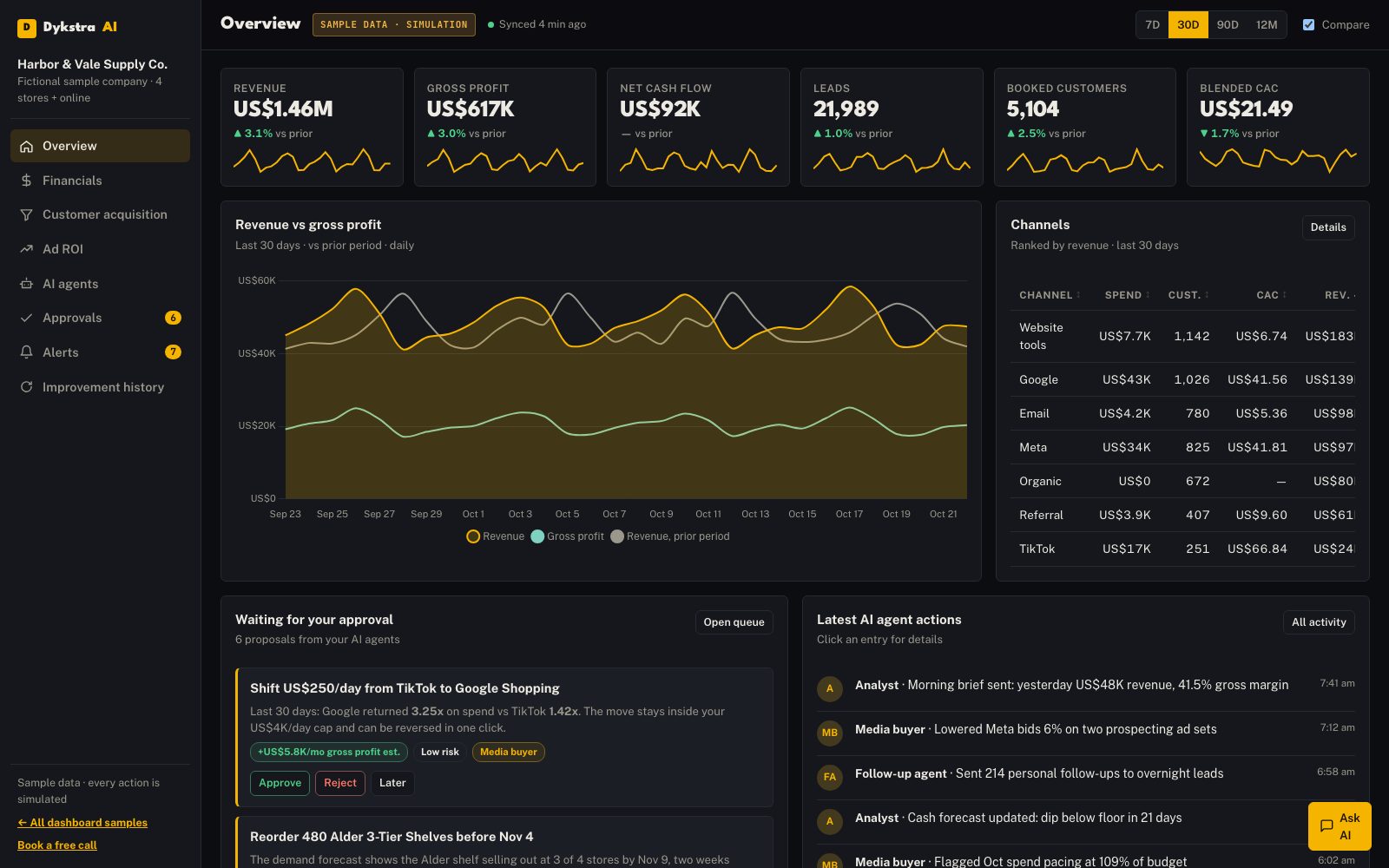
Executive Command Center demo screenshot with sample dataOpen the full demo

For owners and executives

Executive Command Center

Your whole company on one screen: money, customers, marketing and every AI agent, with a queue of decisions only you can make.

  • Revenue, profit and cash flow at a glance
  • Leads to booked customers, by channel
  • Ad spend and ROI by platform
  • AI agent activity and the approval queue
  • Alerts, improvement history and a business assistant
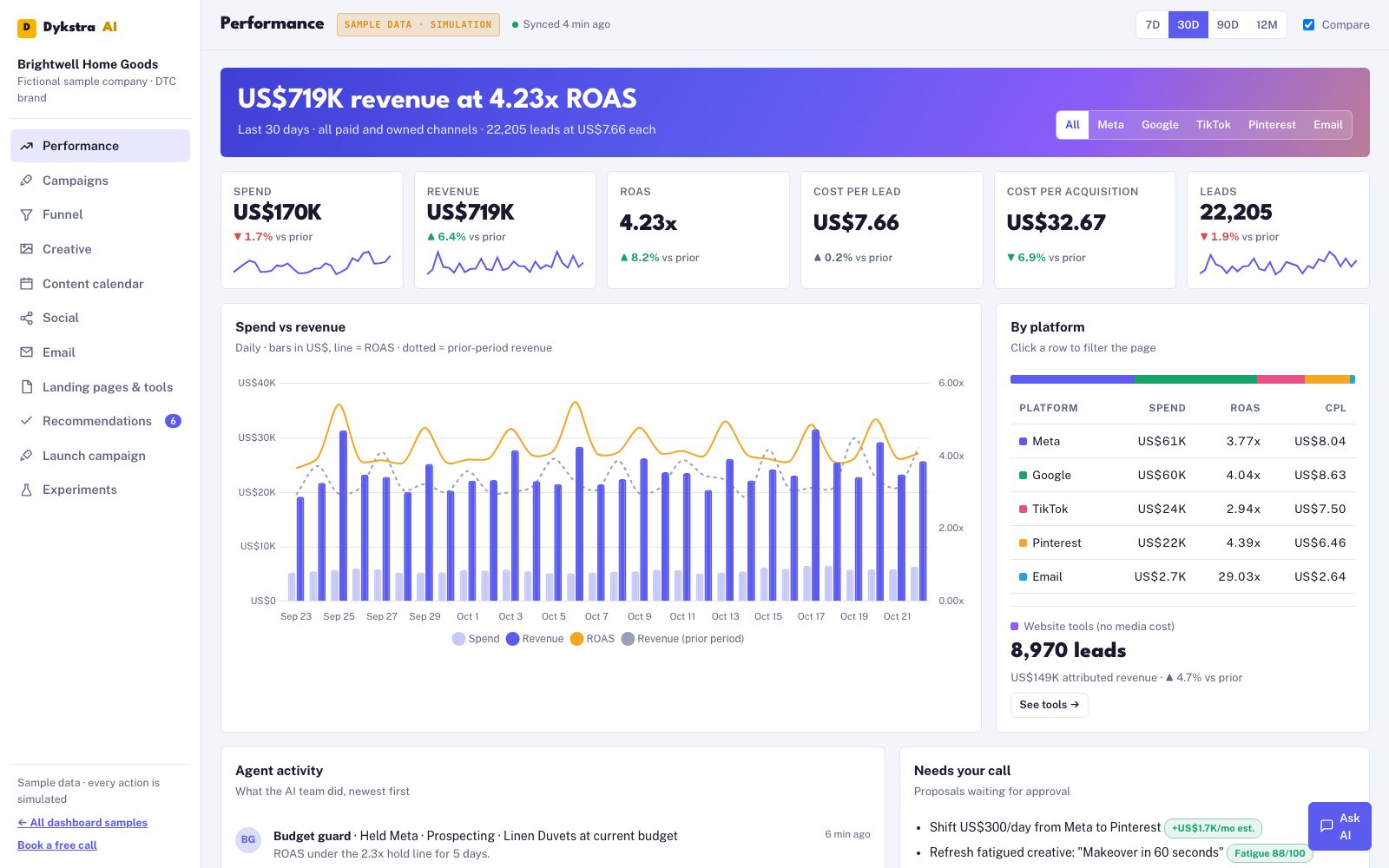
Growth & Marketing Engine demo screenshot with sample dataOpen the full demo

For marketing and growth teams

Growth & Marketing Engine

Every campaign, creative, post and email in one place, with AI launching, judging and improving them, and you holding the controls.

  • ROAS, cost per lead and cost per acquisition
  • The full funnel from impression to customer
  • Creative library and a drag-and-drop content calendar
  • Campaign launch and pause controls
  • Experiments and AI recommendations
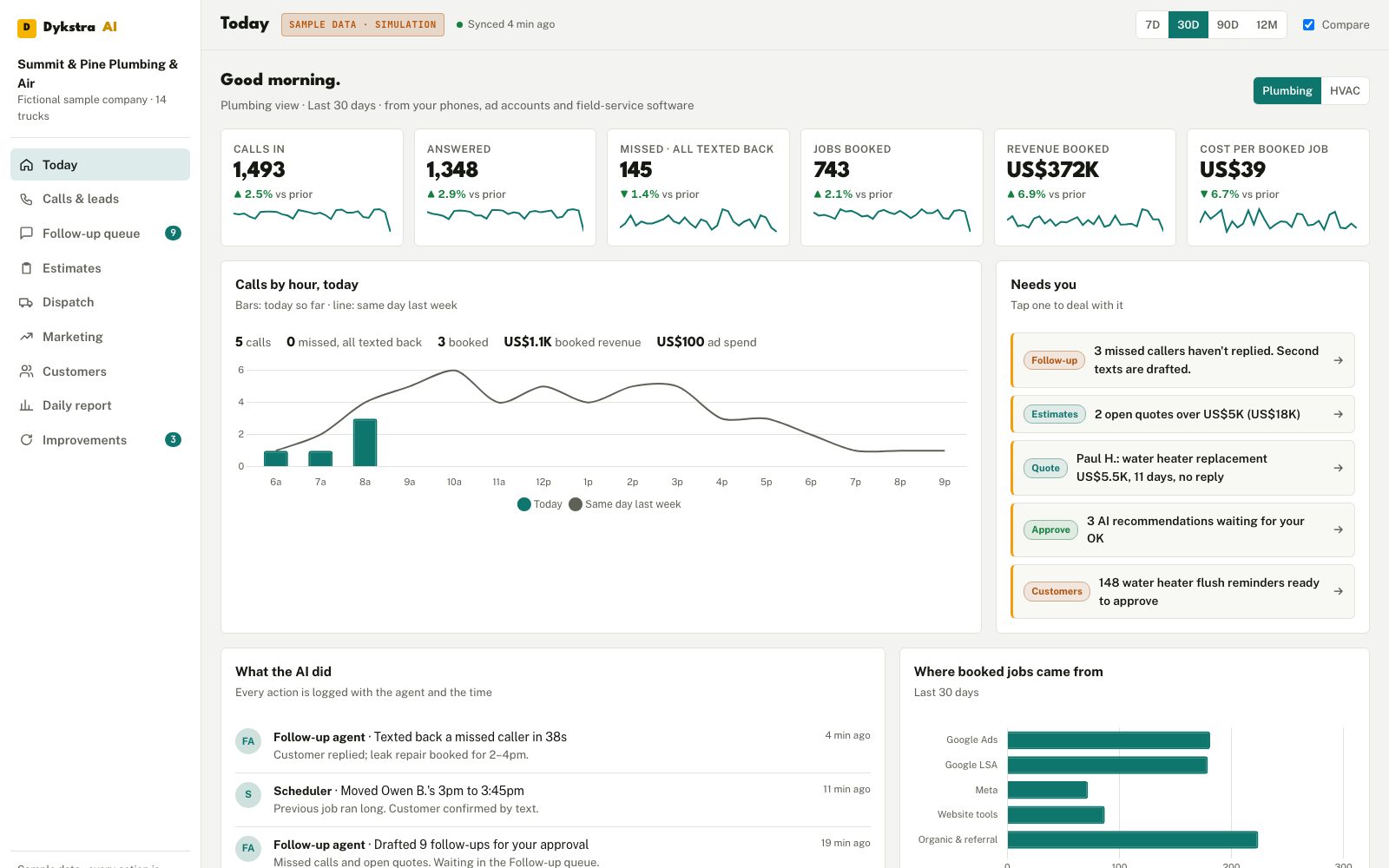
Service Business Operating System demo screenshot with sample dataOpen the full demo

For plumbing, HVAC and home services

Service Business Operating System

Every call, quote, job and truck on one screen, with AI chasing every lead you would otherwise lose.

  • Today's calls, missed calls already texted back
  • The follow-up queue and estimate pipeline
  • Dispatch board and jobs booked
  • Cost per booked job by ad source
  • Maintenance reminders, a 7 am report and an ops assistant
Book a call about my command centerWe'll sketch what yours would show.

The controls

You don't just watch the business. You run it from here.

Approve and decide

  • Approve or reject AI proposals in one tap
  • Pause or resume any campaign or automation
  • Every decision logged with the reason

Set the limits

  • Daily and monthly spend caps
  • The words AI may use with customers
  • Which actions always need a person

Ask and audit

  • Plain-English questions, answered with the numbers
  • A complete activity log of what AI did and why
  • Data-freshness and error indicators on every source

Behind the interface

Behind every panel, an AI agent doing a job.

The dashboard is the window. Behind it, specialised AI agents work around the clock, each with its own job, rules and limits. Anything above an agent's authority lands in your approval queue.

The media buyerJudges every campaign each morning and moves budget inside your caps.
The follow-up agentTexts back missed calls in under a minute and chases open quotes.
The analystReconciles spend, leads, jobs and revenue overnight and writes the morning report.
The strategistReads the results and proposes the next tests, ranked by expected value.
The quality checkerReviews AI work before it goes out and flags anything for a person.

Kaizen

The dashboard that gets smarter every week.

Every experiment the AI runs is recorded: what it tried, what happened and which rule changed as a result. Over months that log becomes your company's playbook, written by your own results. In the demos, approve a recommendation and watch it join the improvement history.

It's the same loop that runs my own businesses: do the work, measure it, learn what won, update the rules, do more of it.

The Kaizen loop Kaizen better every day 1Do the workAI runs the job2Measureevery result, by source3Learnwhat won and why4Update the rulesand keep the lesson5Do more of ittomorrow, automatically

How it's customised

Built around your business, not squeezed into a template.

Step 1

Map the business

Which numbers you run on, which tools hold them, who needs to see what.

Step 2

Connect the data

Your ad accounts, phones, website, software and email, where APIs and your plans allow. Confirmed in the audit.

Step 3

Design the views

An owner view, a manager view, an office view, each showing only what that person needs.

Step 4

Install the agents

The AI jobs behind each panel, with your rules and limits.

Every week

Improve it

New panels, tests and automations as the business learns.

Samples vs real deployments

The companies, numbers, customers and conversations in the samples are fictional, and every action is simulated. A real command center is built for your business and runs on your own data, with each connection confirmed during the audit. Integrations shown in the samples illustrate what's possible; they aren't a promise that every tool connects the same way.

Questions

About command centers.

Are the dashboards real?

The samples are interactive demonstrations with a fictional company and fictional data, and every button is a simulation. A real command center is built for your business and runs on your own data.

What software can it connect to?

Common sources include Google Ads, Meta Ads, Google Analytics, QuickBooks, HubSpot, email platforms, call tracking and scheduling tools. Field-service software such as Jobber, Housecall Pro and ServiceTitan depends on each tool's API access and your plan. Every connection is confirmed during the audit; none is assumed.

Can AI take actions from the dashboard?

Yes, inside the limits you set. Anything that spends money, contacts customers or changes your business can be routed through the approval queue first, and every action is logged.

Who can see what?

Production command centers have role-based access, so an owner, a manager and the office each see only what they need.

Is it a template?

No. Each command center is designed around how your business actually runs: your numbers, your tools, your team and your approval rules.

Free strategy call

Picture your business on one screen. Then let AI run it.

  1. Your numbers. What you run the business on and where it lives today.
  2. Your command center. What it would show, and which AI agents would sit behind it.
  3. What to build first. And what it should be worth. A straight answer, no obligation.

Phone or Google Meet, your choice. Times show in your time zone. Not ready? Read the free report or send a message.

Loading the calendar…

Open the booking calendar